The plugin folder nobody talks about
Open the Plugins screen on almost any WordPress site that has been running for more than a few months. Really look at it.
You will probably find an SMTP plugin, because at some point order confirmations or contact-form notifications started landing in spam. A security plugin, because the login page was getting hammered by bots. A redirect manager, because you changed a URL structure once and did not want to lose the traffic. A backup plugin. An image optimizer for WebP. A login-attempt limiter. A code-snippets plugin, because editing functions.php directly stopped feeling safe. A duplicate-post tool. A handful of small admin utilities that each solve exactly one annoyance.
None of these were bad decisions. Each one solved a real problem on the day you installed it. But add them up and you are left with something nobody actually chose: a sprawling stack of single-purpose plugins, each with its own update cycle, its own settings page buried in a different corner of the dashboard, its own renewal invoice, and its own small chance of breaking something the next time it pushes an update.
This is plugin bloat, and it is the quiet tax that almost every WordPress site pays. It slows pages down. It widens the attack surface. It turns routine maintenance into a nervous ritual. And it costs a genuinely surprising amount of money once you tally up all those "small" premium licenses.
WP PowerSuite exists to end that.
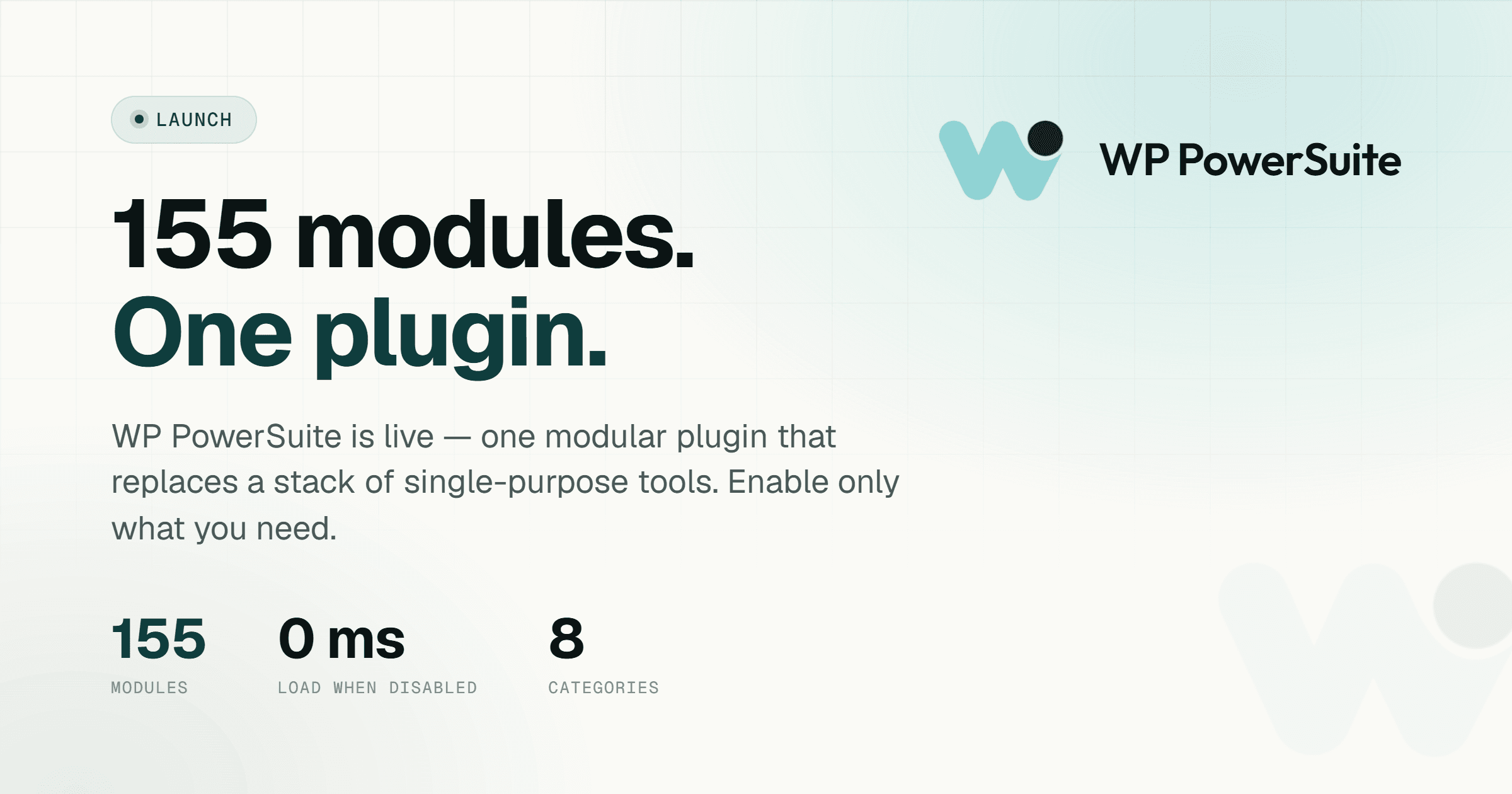
One plugin. 155 modules across 8 categories. You switch on only what a given site needs, and everything else stays completely dormant — no hooks, no scripts, no styles, no cost to your page load. It is the toolkit we always wanted: every common WordPress job in one place, without the sprawl.
What "modular" actually means (and why it matters)
The word "modular" gets thrown around a lot, so let us be precise about what it means inside WP PowerSuite, because the architecture is the whole point.
Most all-in-one plugins work by loading everything and then letting you hide the parts you do not want. The features you disabled are still there, still being parsed, still adding weight. You are paying for the whole engine even when you only wanted one gear.
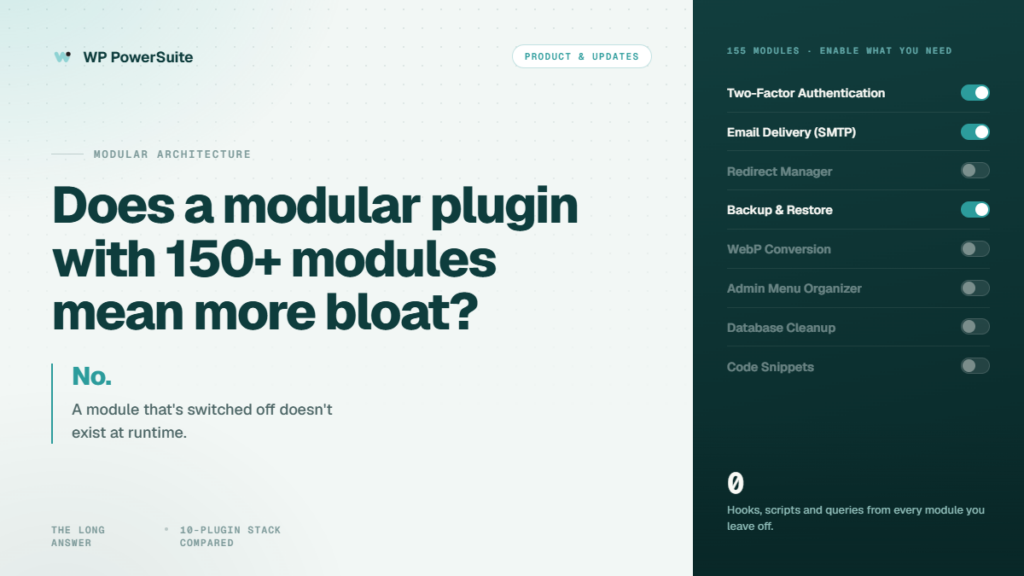
WP PowerSuite works the opposite way. A module that is switched off is not loaded at all. It does not register hooks. It does not enqueue a single line of CSS or JavaScript on the front end or in the admin. It sits inert in the codebase, costing nothing, until the moment you decide you need it.
That means you can install one plugin, turn on the five modules a particular site actually uses — say, SMTP, Limit Login Attempts, WebP conversion, a redirect manager, and Two-Factor Authentication — and the rest of the library has zero measurable impact on performance. Your site loads exactly what you asked it to load, and nothing more.
The dashboard is built to match. It mirrors WordPress itself: category tabs, a search box, favorites you can pin, and a clear on/off state for every module. Advanced settings only appear for the modules that have them, so you are never staring at a wall of configuration for features you are not using. If you can flip a light switch, you can run PowerSuite.
155 modules, 8 categories
The library is deliberately broad, because the whole promise falls apart if you still need three other plugins to finish the job. Here is what lives inside each category.
Security 19 modules
2FA, Limit Login Attempts, Cloudflare Turnstile, reCAPTCHA and Advanced Security Headers, plus hardening: Disable XML-RPC, Disable REST API, Block Usernames, Force SSL Admin and an IP allow/block list.
Login & Users 20 modules
Magic Login, Google/Facebook/GitHub sign-in, Change Login URL, Temporary Login, Login Page Customizer, Session Manager, Login as User and admin login alerts.
Admin 21 modules
Admin Menu Organizer, white-label branding, Admin Columns Customizer, Display Active Plugins First, Hide Admin Notices and a full dashboard-cleanup set.
Content 30 modules
Custom Post Type Builder, Custom Fields, Bulk Page Creator, Duplicate Post Type, Content Expiration, Options Page Builder and editorial controls.
Media 18 modules
WebP & AVIF conversion, AI Alt Text Generator, SVG Upload, Media Replacement, Unused Media Finder, Storage Monitor and Regenerate Thumbnails.
SEO & Visibility 18 modules
Redirect Manager, 404 Error Log, Robots.txt Manager, Breadcrumbs, Auto Table of Contents, Broken Link Checker and Analytics Integration.
Speed 9 modules
Disable Heartbeat, WordPress Emojis, Dashicons, oEmbed auto-embeds, query strings and script versions — trimming the default bloat off your front end.
Site Tools 20 modules
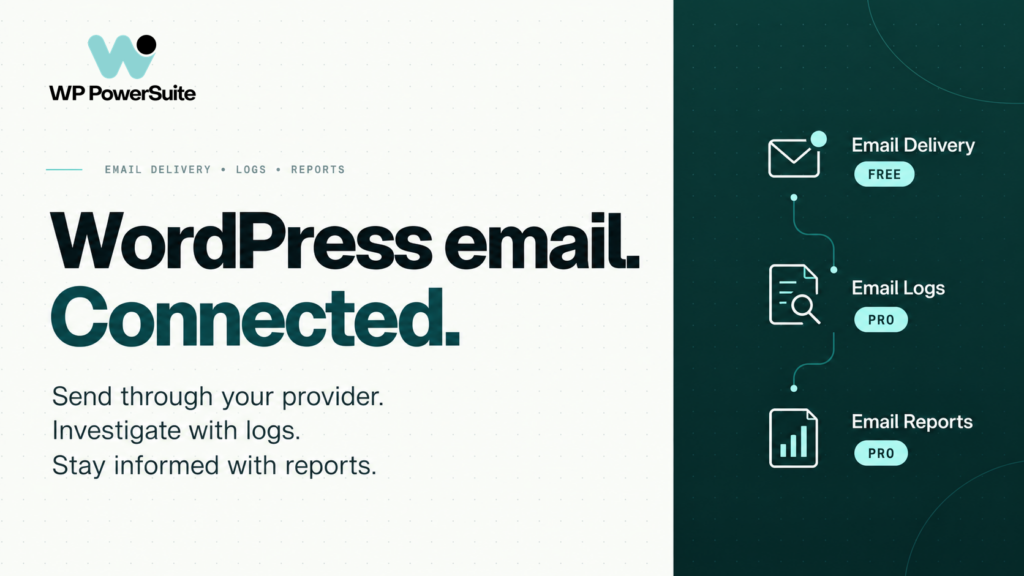
Backup & Restore, SMTP, AI Forms, Code Snippet, Coming Soon & Maintenance, Database Cleanup, WP Config Editor and System Summary.
Do the math: what a plugin stack really costs
The features above are not exotic — they are the ordinary jobs a professional WordPress site needs done. The difference is that most people buy them one premium plugin at a time, and the going yearly rates add up fast.
- Login security & customizer plugin — around $99/year
- Temporary-login plugin — around $49/year
- 2FA plugin — around $69/year
- Login-limiter plugin — around $60/year
- Activity-log plugin — around $139/year
- Admin-columns plugin — around $79/year
- Dashboard-utility plugin — around $58/year
- Code-snippets plugin — around $49/year
- SMTP plugin — around $99/year
- Redirect / pretty-links plugin — around $99/year
- Backup plugin — around $70/year
- Custom-fields framework — around $49/year
- Media-folders plugin — around $49/year
That is well over $1,000 a year — across a dozen invoices — for jobs WP PowerSuite covers with one license. PowerSuite starts at $39.
The savings are real, but the money is only half of it. The other half is everything you stop managing: twelve update cycles collapse into one, twelve chances for a Friday-afternoon conflict collapse into one, and twelve scattered settings pages collapse into a single dashboard that looks like WordPress and behaves like it.
Who WP PowerSuite is built for
Freelancers get to standardize every client build on one plugin. Faster launches, one license to track, and no awkward conversation about why a client is paying for fifteen separate plugin renewals.
Agencies get the most leverage of all. Roll a consistent, known-good stack across every site with the Agency plan's unlimited-site license. White-label the admin so PowerSuite disappears into your brand, and cut the hours you spend babysitting plugin updates.
Site owners get security, backups and reliable email without becoming a part-time plugin curator. Turn on the handful of modules your business site needs, and get back to running your business.
WooCommerce stores get a particularly tidy fit: bot protection on checkout, SMTP so order emails land, WebP for faster product images, and an activity log for staff accountability — all from one dashboard.
Frequently asked questions
Will disabled modules slow down my site?
No. A disabled module is never loaded — its hooks, scripts and styles stay entirely off the critical path. Your site only ever loads what you switch on. Performance cost applies exclusively to the modules you actually turn on, which is the whole reason the modular design exists.
Can it really replace my existing plugins?
For most sites, a large share of them: your security and 2FA plugin, SMTP plugin, backup plugin, redirect plugin, image optimizer, form plugin, code-snippets plugin, login customizer, duplicate-post tool and most small admin utilities. The honest exception is when you need the absolute deepest specialist in one narrow niche — for example, a full SEO suite with real-time content analysis.
Does it work with my theme and page builder?
Yes. PowerSuite operates at the WordPress core level and is built to work with standard themes, the leading page builders and WooCommerce. It is not tied to any particular builder.
What do I need to run it?
WordPress 6.9 or newer and PHP 8.1 or newer. It is built on a modern, typed codebase, and individual modules declare their own requirements so you always know what each one needs before you switch it on.
Is anything locked behind a higher tier?
No. Every plan unlocks all 155 modules. The only thing that changes between plans is the number of sites you can activate — plus White Label, which is included with the Agency plan. There is no module gating and no upsell banners inside your dashboard.
What happens if I stop renewing?
Your installed version keeps working forever. A lapsed license only pauses new updates and support until you choose to renew. You are never locked out of your own site.
Is my data safe?
PowerSuite is fully self-hosted. Your content never leaves your server unless a module you explicitly configured needs a third party — an SMTP relay, an analytics provider, a social sign-in service, or the AI alt-text feature.
Summary — the short version
WordPress sites accumulate a dozen single-purpose plugins over time, each adding weight, cost, an update cycle and a chance of conflict. WP PowerSuite replaces that stack with one plugin containing 155 modules across 8 categories. Disabled modules load nothing, so there is no performance penalty for the features you skip. A typical premium stack runs over $1,000/year; PowerSuite starts at $39, includes every module on every plan, and is backed by a 14-day money-back guarantee. Founding pricing — 50% off, locked for life — is open to the first 100 customers until 31 August 2026.